How to Manage Access Authorization for Access Control Turnstiles?
Managing access authorization for access control turnstiles is the first aspect to address after installation and commissioning. The logic is: "identity recognition → authorization verification → turnstile access control." A complete authorization management system, encompassing the entire process (from permission allocation, identity registration, and permission assignment to subsequent maintenance), requires a comprehensive design that considers the hardware, management software, and specific scenario requirements.
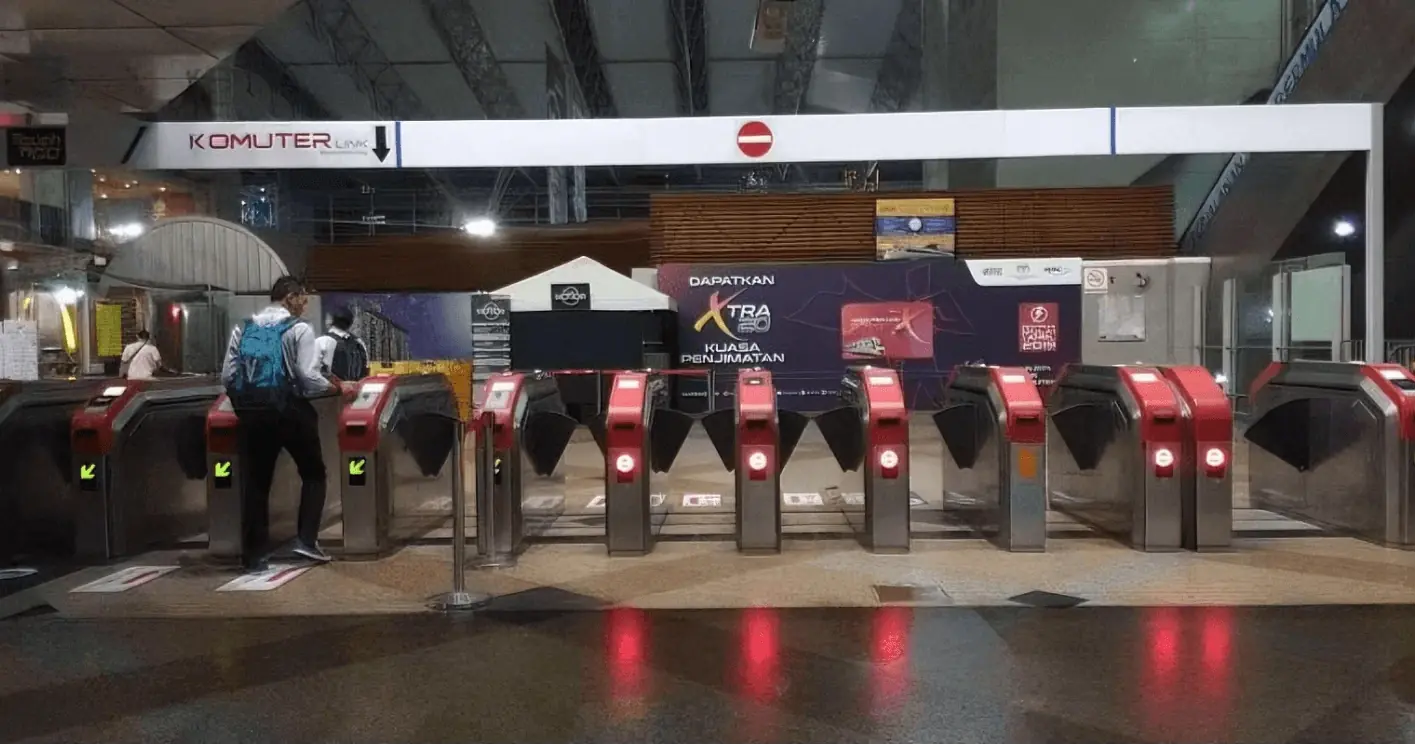
Key Elements of Access Authorization Management for Access Control Turnstiles
Before implementing authorization, it is necessary to clarify three key aspects to lay the foundation for subsequent management:
1. Authorization Objective: Clearly define who is authorized.
By Identity: Internal personnel (employees, property management staff), external personnel (temporary visitors, construction workers, delivery personnel, etc.).
By permission level: Personnel with permanent access (management), personnel with time-restricted access (regular employees), personnel with area-restricted access (access only to specific floors/areas).
2. Authorization scope: Within what area is access permitted?
Physical scope: Specific turnstiles (e.g., office building entrance turnstiles, elevator lobby turnstiles, server room turnstiles), specific areas (e.g., R&D area, finance office, etc.). Temporal scope: 24/7, weekdays (during company business hours), time periods (e.g., valid for visitors for 1 day, valid for construction workers for 2 weeks).
3. Authorization credentials: How is identity verified?
Different credentials use different identification technologies, which determines the convenience and security of authorization management. The most common types are as follows:
| Authorization credentials | Identification technology | Advantages | General scenarios |
| IC/ID cards | Radio Frequency Identification (RFID) | Low cost, simple operation, and supports bulk card issuance. | Ordinary employees, long-term on-site personnel |
| Biometrics | Fingerprint, face, iris | Highly unique, no need to carry receipts, prevents unauthorized card swiping | Core area, management |
| Mobile credentials | Mobile phone NFC, QR code | Relying on mobile phones and supporting remote authorization | Temporary Visitor (Dynamic QR Code) |
| Password/PIN code | Digital verification | No hardware dependencies, can be temporarily configured | Temporary scenarios (such as maintenance personnel passing through only once) |

Full-process Operation of Access Control Turnstiles Authorization Management
Access control turnstile authorization management is typically accomplished through a combination of "pedestrian access control turnstile + identification terminals + access control management system," and the process can be divided into five steps:
1. System Initialization and Basic Configuration
Connect the pedestrian access control turnstiles and identification terminals (card readers, facial recognition machines) to the access control management system via network (TCP/IP) or bus (RS485) to complete device registration. Basic information settings: Create organizational structures (e.g., "Technical Department," "Marketing Department," "Sales Department"), access areas (e.g., "Gate 1 Turnstile," "Elevator Lobby Turnstile"), and time period templates (e.g., "Weekday Template 9:00-18:00," "Holiday Template 10:00-16:00").
2. Identity Information Entry (Establishing User Profiles)
Create unique profiles for authorized individuals in the system, linking their identity information and identification credentials:
Internal Personnel: Batch import or individual entry of name, department, and employee ID information, binding credentials (e.g., entering IC card numbers, collecting facial photos, registering fingerprints).
External Visitors: Visitors enter their name, ID number, reason for visit, and the person being visited through the visitor registration system. Temporary credentials (such as dynamic QR codes or temporary IC cards) are generated, and their validity period is set.
3. Permission Assignment (Core Step)
Based on the correspondence between "Authorized Object → Authorized Scope," specific permissions are assigned to users in the system. Two common assignment methods are:
Single Assignment: For a small number of users (such as management), directly select the "Access Area" and "Access Time" in the user profile (e.g., assign "Door 1 Turnstile + Elevator Lobby Turnstile" + "All-Day Access" to "A").
Batch Assignment: For the same department/type of personnel (e.g., "All Employees of the Technical Department"), first create a "Permission Group" (e.g., "Technical Department Permission Group" = "Door 1 Turnstile + R&D Area Turnstile" + "Weekdays 9:00-20:00"), then add users to the corresponding permission group to achieve batch authorization.
4. Permission Delegation and Activation
After permission settings are completed, the access control management system sends permission data to the corresponding turnstile terminals (some systems support automatic synchronization, while others require manual triggering of the "data synchronization" button). After receiving the data, the terminal stores the user's "credential information + permission rules." When a user swipes their ID card/face, the terminal verifies in real time whether the "credential is valid" and whether the "current time/area" is within the permitted range. If verification is successful, the turnstile is controlled.
5. Post-Authorization Maintenance and Permission Adjustment
Authorization is not a one-time operation and needs to be updated in real time according to personnel changes and scenario requirements:
Permission Changes: When personnel are transferred (e.g., from the marketing department to the technical department), their permission group should be modified or their access area/time period should be directly adjusted.
Permission Cancellation: When personnel leave or visitors leave, their credential permissions should be "frozen" or "deleted" in the system promptly (to prevent credential misuse). Physical cards must be collected and "reported lost" in the system.
Temporary authorization: For emergency scenarios (such as external auditors temporarily entering the finance area), create "temporary permissions" with a short validity period (such as 2 hours), which will automatically expire after the system expires.
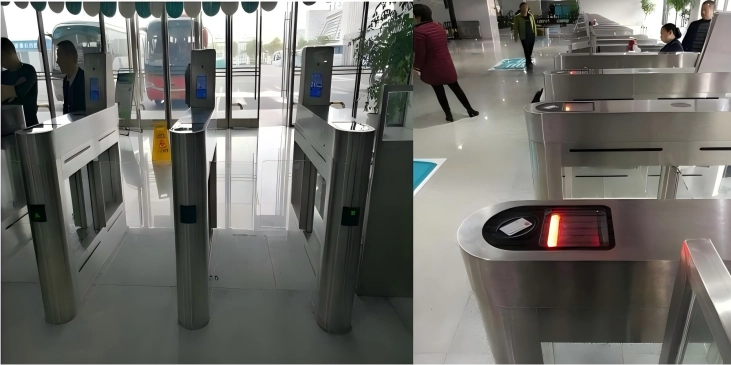
Mainstream Authorization Management Tools
1. Local Management System: Installed on a local server (e.g., C/S architecture software), suitable for small to medium-sized scenarios (e.g., office buildings, residential communities). Advantages include localized data and high security.
2. Cloud Management System: Based on a cloud platform (B/S architecture, accessed via a browser), supporting unified management of access turnstiles in multiple locations (e.g., chain enterprises, multi-park groups). Enables remote authorization and mobile app management, offering high flexibility.
3. Third-Party Integration System: Integrates with enterprise OA, HR, and attendance systems (e.g., DingTalk, WeChat Work access control modules), achieving "automatic authorization upon employee onboarding and automatic deregistration upon employee offboarding," reducing manual operations.
Through the above processes and strategies, access control turnstile authorization management achieves "precise control, convenient operation, and secure traceability," ensuring entrance and exit security while adapting to the personnel access needs of different scenarios.